Custom Software for Landscaping Companies: Routing, Recurring Billing, and Property History
Generic field service apps were not built for landscaping. Routes, recurring service contracts, chemical application records, and property history all need to live in one place. Here is when it makes sense to build custom software for a landscaping business.
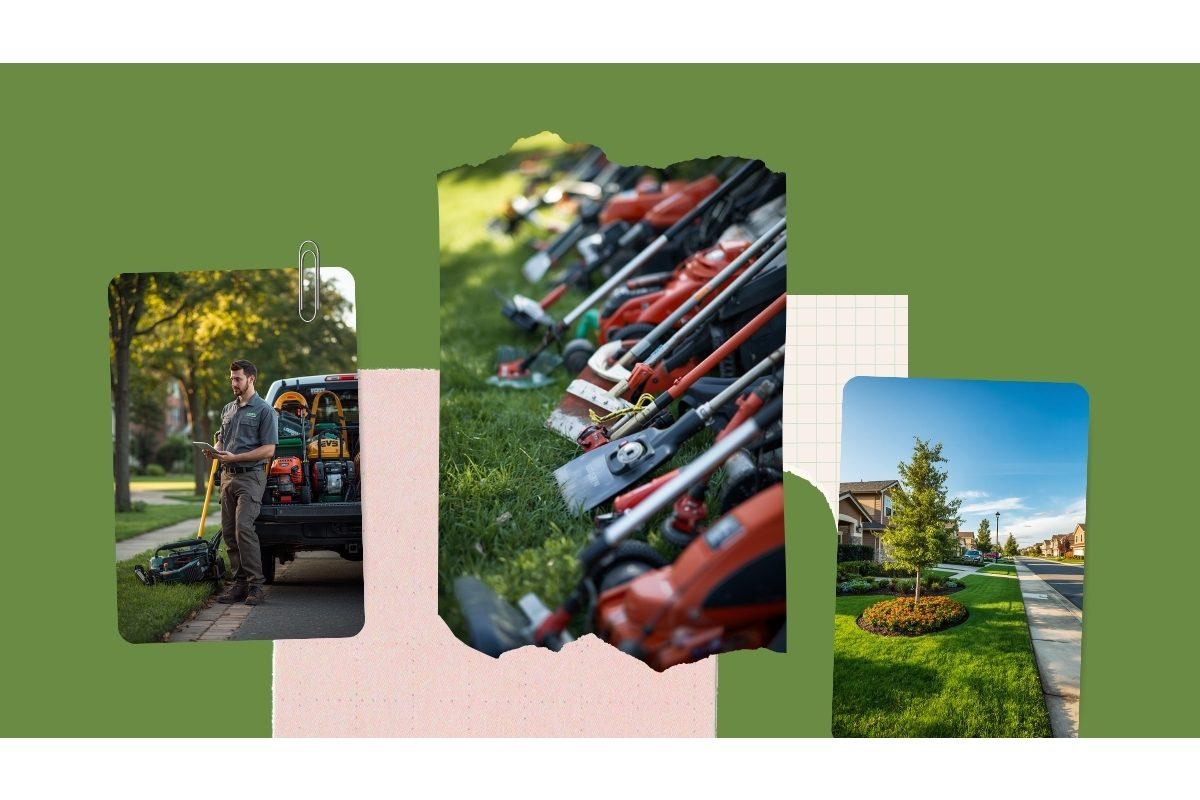
Landscaping is a deceptively complicated business to run. On paper, it is simple: crews go to properties, do work, you bill the customer. In practice, every part of that sentence carries hidden complexity. Which crew is closest to the next stop? Was the lawn mowed last week or skipped because of rain? Did the customer pre-pay for the season, or do you bill monthly? Was that property treated with the herbicide we are required to log with the state? Did the foreman remember to take the photo for the commercial client's monthly report?
Most landscaping companies start with a calendar, a spreadsheet, and a couple of shared text threads with the foremen. As the business grows, they layer in QuickBooks for billing, maybe Google Maps for routing, and eventually a generic field service app or a vertical platform like Jobber, LMN, or Aspire. The result is a stack that captures most of the business but never quite all of it — and a lot of double entry in between.
This post covers what custom software for a landscaping company actually looks like, where the off-the-shelf options stop short, and the kind of business that benefits most from building rather than renting.
Where landscaping software has to be different
Generic field service software treats every job as a one-off: a customer calls, a tech is dispatched, the work is done, an invoice goes out. That model works for a plumber. It does not match how landscaping actually runs. The differences are structural, not cosmetic:
- Service is recurring, not on-demand. Most properties are on a weekly, biweekly, or monthly schedule. The system has to generate jobs from a recurring contract automatically — and handle the exceptions when weather, holidays, or customer requests force a reschedule.
- Routing matters more than dispatching. A landscaping crew may hit twenty stops in a day. The order matters for fuel, drive time, and crew hours. Generic field service apps assume one job per service window.
- Properties have history. The crew needs to know what was done last visit, what to skip, where the gate code is, which dog is friendly, and what the customer flagged on their last call. That context lives at the property, not the customer record.
- Billing is rarely time-and-materials. Most maintenance work is on a flat seasonal contract, billed in equal monthly installments regardless of how many cuts a given month had. Add-on services and one-time installs need to bolt on without breaking the recurring billing.
- Chemical applications are regulated. Pesticide and fertilizer applications by licensed applicators require detailed records — applicator, product, EPA number, rate, weather, target site — that most generic apps do not capture in a usable format.
- Photos and documentation are often part of the deliverable. Commercial clients and HOAs frequently want monthly visit reports with before-and-after photos. Capturing those in the field and assembling them into a report is a real workflow, not a nice-to-have.
What the off-the-shelf platforms get right — and where they stop
There are real options in this space. Jobber works for small residential maintenance crews. LMN is built around estimating and budgeting for landscape construction. Aspire is the most complete platform for larger commercial maintenance companies. Yardbook is a free option for very small operators. ServSuite and FieldRoutes overlap with the lawn care chemical application world.
For a single-service residential maintenance business, one of these will probably cover ninety percent of the workflow. The cracks tend to show up in three patterns:
Hybrid business models. Most successful landscaping companies are not single-service. They run residential maintenance and commercial maintenance, plus seasonal cleanups, plus install or hardscape projects, plus chemical applications, and sometimes snow removal in winter. Each of those services has different scheduling logic, different billing patterns, and different reporting needs. Generic platforms force you to pick the dominant workflow and compromise on the rest.
Per-user pricing. Landscaping crews are not small. A 20-person operation paying $25 to $50 per user per month for a platform — and adding seasonal staff in spring — ends up paying serious money for software that still requires manual workarounds. The cost-per-feature math stops favoring SaaS once the team gets to a certain size.
Reporting that does not match how you run. Commercial clients, HOAs, and property managers want monthly reports in a specific format with specific information. State regulators want chemical application records in a different specific format. Off-the-shelf platforms produce their reports, and you reformat the output. Custom software produces the reports you actually need to send.
What custom landscaping software typically includes
Most builds we scope cluster around the same core modules. The exact mix depends on whether the business is residential-heavy, commercial-heavy, or split, and on which adjacent services it offers. The recurring pieces:
- Property records — every customer site as its own object, with crew notes, gate codes, irrigation zones, plant inventory, last visit date, and a photo log. Crews see this on the mobile app before they pull up.
- Recurring service contracts — weekly, biweekly, monthly, or seasonal schedules tied to a property, with flat-rate billing that runs independently of which weeks the crew actually visits.
- Route planning — automatic route generation by day, with manual override. Foremen see the day's stops in order on a phone or tablet, with drive directions between sites.
- Mobile crew app — clock-in by site, capture before-and-after photos, log notes, mark service complete, and flag issues for the office, all from the field with offline support.
- One-time job estimating and tracking — estimates for installs, hardscapes, and seasonal projects, separate from recurring service but linked to the same customer and property.
- Chemical application records — capture applicator, product, EPA number, rate, square footage, weather, and target pest at the time of application, with state-formatted reporting available on demand.
- Customer portal — clients log in to see their service history, upcoming visits, photos, invoices, and payment status. Reduces inbound phone calls dramatically.
- Invoicing and recurring billing — flat-rate maintenance billing on a schedule, plus invoicing for one-time work, with QuickBooks Online sync so accounting does not get a parallel system.
- Crew payroll export — hours captured by site flow into payroll without a second pass, including job-specific overtime and prevailing wage rules where they apply.
None of these features is unique to custom software in the abstract. The point of building custom is that all of them work the way your business runs, in the same system, without the workarounds that come with shoehorning a generic platform into a hybrid operation.
Routing is where small operators leave the most money on the table
Routing seems like a solved problem — Google Maps exists, after all — but the difference between a good route and a great one is real money. A 15-stop residential maintenance route that is poorly sequenced wastes 45 minutes a day in extra drive time. Multiply that by five days a week and a 30-week season, and you have lost more than 100 crew hours per route per year. With a fleet of three or four crews, that is a full part-time employee's worth of unbilled time.
Custom software lets you build routing logic that reflects how your business actually thinks about a route: clustering by neighborhood, sequencing by drive time, accounting for site-specific service durations, balancing crew hours across the week, and rebuilding the route automatically when a property is added, paused, or rescheduled. Generic routing tools optimize for the abstract; purpose-built tools optimize for your actual stops and crews.
Who benefits most from a custom build
Not every landscaping business needs custom software. The ones that benefit most have at least two of the following:
- A hybrid business — residential and commercial, maintenance and installs, or maintenance and chemical applications — that does not fit neatly into the single-service mold the off-the-shelf platforms assume.
- A growing crew where per-user platform pricing is starting to outpace what the platform actually delivers.
- Significant commercial work, especially HOAs and property managers, where monthly reports with photos are part of the contract and currently get assembled by hand.
- A licensed applicator on staff and a real volume of chemical applications, where state reporting and label compliance is currently tracked on paper or in spreadsheets.
- A customer base large enough that the difference between a good route and a great route shows up as real labor cost — typically 75 properties or more in active rotation.
- A clear set of workflows that you already run differently from the industry default — because a custom build is most valuable when the difference is the source of your competitive advantage.
If a business is brand new or doing fewer than 50 properties, an off-the-shelf platform is almost always the right answer. Custom software is most useful when there is enough volume and complexity that the workarounds in a generic platform start to cost real time and money every week.
What a build looks like in practice
We start with the workflow, not the screens. Before any code is written, we map the actual operation: how customers come in, how a property gets onto a route, how the crew finds out where to be, how the work gets billed, and where the office spends time fixing problems after the fact. The custom software is built around that map.
Most landscaping builds ship the core operation first — properties, recurring schedules, route generation, mobile crew app, and invoicing — and add on chemical tracking, customer portals, and reporting in later phases. That sequencing keeps the project tight and gets the business value into the field early.
Fixed price. No hourly billing. The scope and cost are agreed before any code is written, and we build against that scope.
Frequently asked questions
What are the off-the-shelf landscaping software options, and when do they fall short?
Jobber, LMN, Aspire, Yardbook, and ServSuite are the most common platforms. They work well for straightforward residential maintenance businesses, but tend to fall short when a company runs a hybrid model — residential plus commercial, maintenance plus installs, or chemical applications plus snow removal — and needs the routing, billing, and reporting logic to reflect all of those at once. They also charge per user, which gets expensive as the crew grows.
Can custom landscaping software handle pesticide application records and state reporting?
Yes. State pesticide and fertilizer application reporting requires capturing the licensed applicator, product, EPA registration number, application rate, weather conditions, and target site for each treatment. Custom software can capture this in the field at the time of application and generate the exact report format your state requires, instead of forcing applicators to fill out paper logs that get re-entered later.
How long does it take to build custom landscaping software?
A focused build — properties, recurring service schedules, route generation, mobile crew app, and invoicing — typically ships in eight to twelve weeks once the scope is defined. Adding chemical application records, customer portals, or QuickBooks integration extends the timeline. We scope the project before any code is written, so the timeline and cost are known up front.
If your landscaping operation has outgrown the platform you started on, start with a conversation. We will scope the workflow before talking about a build.
Ready to talk about your project?
Tell us what you're building. Brad reviews every submission personally.
Start Your Project